Is Your Information Secure When Employees Share Files?
File sharing is essential for modern businesses. Does your current file sharing solution include security to protect your information?

Organizations of all sizes need to be able to share files and information but many common means of doing so introduce costly security risks. File sharing is essential for modern businesses. From collaborating with colleagues to delivering proposals to clients, organizations depend on information exchange every day. But convenience doesn’t always equal security. The real question is: how confident are you that your current file‑sharing processes are protecting your business?
Businesses face cyber attacks every day, averaging 2,200 attacks daily, nearly one every 39 seconds. Even the most common file‑sharing tools (email, cloud drives, and collaboration platforms) introduce serious risks when not properly governed. Recent research highlights just how widespread and costly these vulnerabilities have become. For example, more than 90% of successful cyber-attacks start with a phishing email. Companies with poor data security face consequences such as stolen credentials and unauthorized access, accidental leaks, malware-infected files, and data breaches.
In this blog post you will learn about the importance of information security for businesses, what online file shares lack that information management systems can fix, several common use cases information management, and the critical features to look for when choosing technology.
Security Matters More Than Ever

Cyber threats are increasing, and regulators are tightening requirements. Without strong safeguards, and secure technologies businesses risk:
- Data breaches: 78% of organizations worldwide experienced a data breach in the past two years.
- Financial penalties for non-compliance: for example, financial institutions alone paid $263 million in compliance fines in 2024.
- Operational disruption: 68% of breaches involve inadvertent or intentional human actions.
Secure file sharing isn’t just IT hygiene — it’s a competitive advantage. Companies that protect their data earn confidence from customers, partners, and regulators alike.
Online File Share Versus Information Management System
What is an Online File Share?
Online file shares include online drives and other storage systems that give users a place to put files in the cloud that can be accessed (and sometimes edited or downloaded) by collaborators. In the modern workplace, sharing information is essential for team collaboration, but many of these file shares do not meet minimum security standards required by common business laws and regulations. Though online file sharing can keep projects moving, they introduce an unacceptable level of risk for businesses.
Information Management is a Safer, More Secure Option
What’s the alternative? We recommend looking at information management systems, such as our ImageSilo® or Sys.tm® services, instead. These tools have been specifically written to meet the higher-level security standards required for business information regardless of if it is being shared between users or simply at rest in the system between active use. In addition, many of them offer significantly more detailed user permissions and access levels, the ability to draft and dynamically apply your own security profiles for users, projects, and documents, and the systems themselves are much more securely and reliable hosted to eliminate the risks of downtime for your workers. The best systems include process and task automation, AI-based text and document recognition as well as AI-based content generation, and more business-critical tools within the same platform. For organizations of every size, information management technologies mean faster communication, smoother workflows, and the ability to scale collaboration across offices, remote teams, and even global partners.
Use Cases and Critical Features for Information Management
How might you choose and apply information management at your organization? We’ve listed below some must-have security features to ensure your technology offers as well as several common use cases where these features can boost security for your business.
Critical features for a Secure Information Management
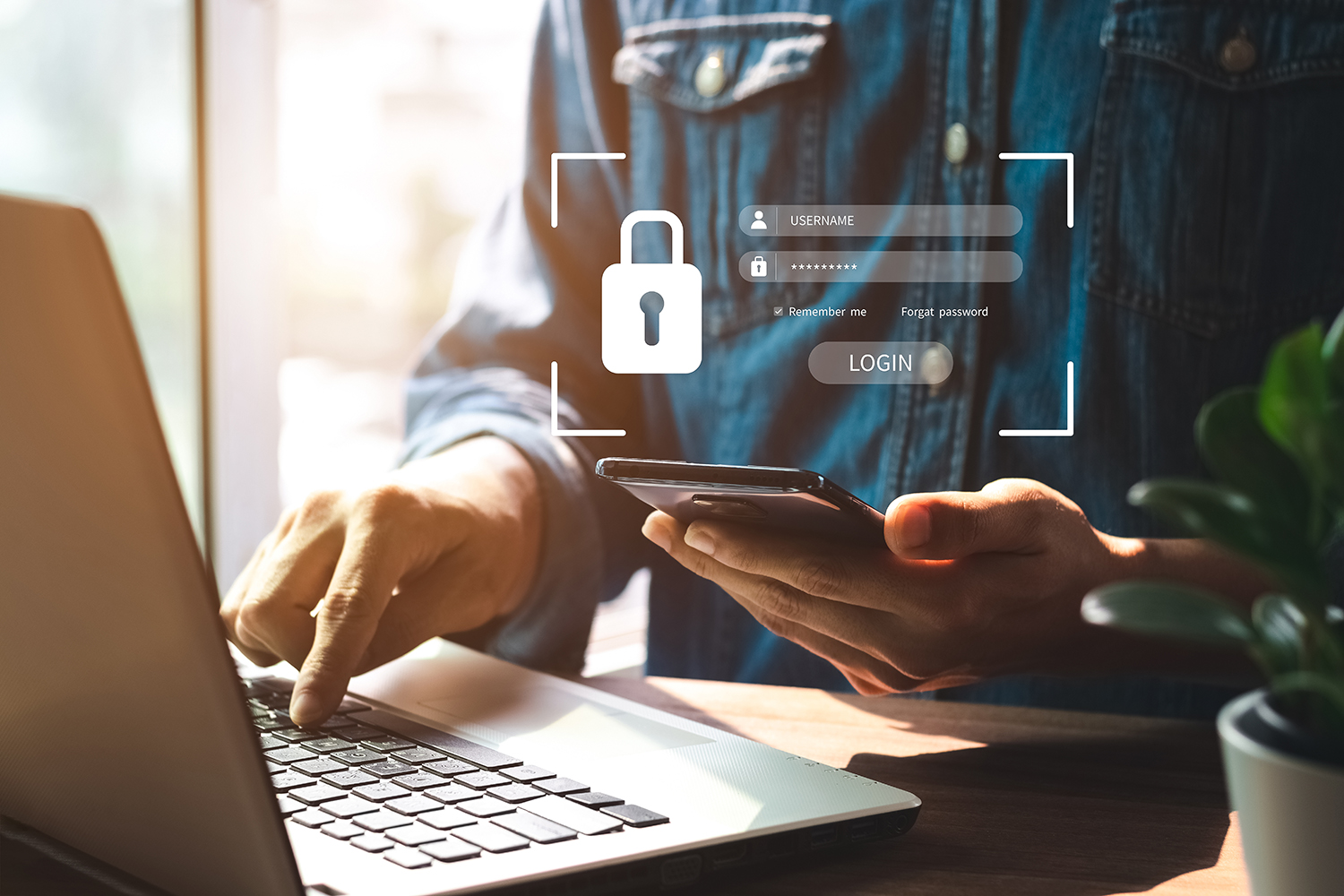
Many companies assume that password protection is enough. In reality, true security involves multiple layers designed to safeguard sensitive information from unauthorized access, accidental disclosure, and careless worker practices.
Secure file sharing includes:
- Encryption: Protects files in transit and at rest.
- Access Controls: Defines who can view, edit, or share documents.
- Multi-factor Authentication: Prevents unauthorized access to confidential systems and data.
- Compliance Flexibility: Includes flexibility to meet multiple standards such as HIPAA, GDPR, and SOX.
- Audit Trails: Tracks who accessed what, when, and what they did with the document or information.
- Data Loss Prevention: Stops accidental or malicious leaks.
- Expiration Policies: Revokes access to shared files or links after a specified duration.
Common use cases for information management systems:
Internal Team Collaboration
- Sharing project files, reports, and presentations across departments.
- Remote and hybrid teams exchanging files in real time.
- Version control to ensure everyone works from the latest file.
Client and Partner Communication
- Delivering proposals, contracts, and invoices securely.
- Exchanging sensitive intellectual property or confidential files with external stakeholders.
- Maintaining trust by ensuring only authorized recipients can access documents.
Compliance and Regulatory Requirements
- Healthcare organizations sharing patient records in compliance with the Health Insurance Portability and Accountability Act (HIPAA).
- Financial institutions exchanging audit reports and compliance documents under regulations like GBLA or Sarbanes-Oxley.
- Legal firms handling case files that require strict confidentiality.
Sensitive Data Protection
- Human Resources (HR) departments storing employee records (payroll, performance reviews).
- Executives sharing confidential strategic plans or merger and acquisition documents.
- Preventing leaks of trade secrets, intellectual property, or proprietary research.
Cross-Border Collaboration
- Global teams sharing files across different regions and time zones.
- Ensuring compliance with regional and international data protection laws like the General Data Protection Regulation (GDPR) in the European Union and the California Consumer Privacy Act (CCPA) in the United States.
- Secure cloud-based access, version control, and more for distributed workforces.
Audit and Oversight
- Tracking who accessed, edited, or shared files.
- Creating logs for compliance audits and internal reviews.
- Detecting unusual access patterns that may indicate insider threats.
Sys.tm Information Management Can Help
At Digitech Systems, we help organizations move beyond convenience to confidence when it comes to securely managing and sharing information. As a complete information management ecosystem, Sys.tm is much more than a simple file sharing tool. Sys.tm also offers additional capabilities like Artificial Intelligence, Business Process Automation, Intelligent Document Processing, Robotic Process Automation, and much more. Sys.tm allows you to securely share information directly with other users and even with people outside the system through secure file sharing links. These links can be password protected, locked down with expiration periods, and further protected with custom access permissions, and audit trails. These capabilities give you more control over your information and help ensure it stays secure.
With Sys.tm You Can:
- Simplify collaboration without sacrificing protection.
- Ensure compliance with a wide array of government and industry regulations.
- Provide visibility and control over your most valuable asset: your information.
When your file sharing is secure, your business is secure. Isn’t it time to evaluate whether your current solution is truly meeting your needs?
Ready to strengthen your file sharing security? Try Sys.tm today to protect your business information while keeping collaboration seamless.